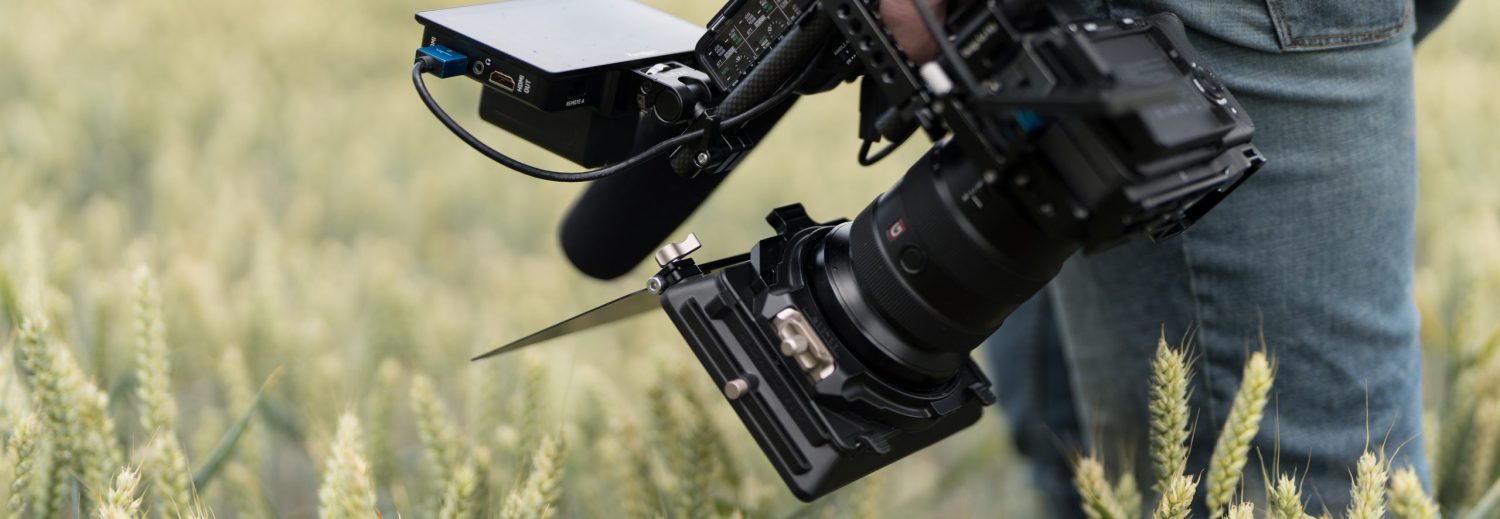
Atomos Ninja 2 Review
I’ve just posted a full review of the Atomos Ninja 2 which I’ve been using with the Canon C100.
Posts Tagged ‘ Review ’
I’ve just posted a full review of the Atomos Ninja 2 which I’ve been using with the Canon C100.
Having just received a Canon C100 I thought I’d post my first impressions. At this stage I haven’t started shooting with the camera so this is going to focus on the build and operation of the camera for now but I will be posting more about the results and workflow as time goes on. As a Canon C300 shooter a lot of this post will be comparisons to that camera but should prove useful none the less. I have to apologise for the low quality images below, I was far too excited to go and grab a proper camera so snapped away with the iPhone!
Taking the C100 out of the box it felt just like C300 only in a more compact form, in fact in some ways it actually feels a little more rugged! That’s probably due to the fact that it has less bits and pieces on it but none the less this feels like a well built camera. The handle with the microphones and XLR inputs built in feels really nice, I’m never a big fan of the clear plastic covers over the audio controls as I invariably break them but other than that the handle feels tough and is very sturdy. Having just the single connector lead that attaches on the side rather than the back like the C300′s leads also lends to making the camera feel a bit less vulnerable.
I’ve been using Bluestar Eye Cushions on my cameras and viewfinders for a few years now, they are one of those little luxuries that once you’ve tried you just can’t live without. Using a camera without an eye cushion now feels like wearing shoes without socks!
Bluestar make a wide range of sizes for various viewfinders, they come in three materials, natural chamois, Microfibre & Fleece. The micro-fibre option comes in eight colours which is very handy if you need to quickly identify cameras. The fleece eye cushions come in four colours and are the most gentle on the skin, great if you like to snuggle in to your camera!
I recently posted about choosing a new storage solution for my Mac Pro where I decided to invest in an SAS based RAID system from www.rentaraid.co.uk. Now that the kit has been installed I thought I’d post a quick update about the installation procedure, an issue I ran into and the results so far.
Firstly, here’s a rundown of the kit I ordered and how it’s all setup. The PCIe card is the Areca AC-1882x 8 port SAS/SATA Raid adapter. This card features two external SAS connectors, each capable of controlling up to four SATA hard drives, hence the (8 port) description. Fitting the card into the Mac Pro is a relatively simple process, at least it is if you’re used to fiddling around with PCI cards. If you’ve grown up on iMacs then you might find this a little daunting but as long as your careful then fitting PCI cards is fairly straightforward.
Stand alone EVF’s (Electronic View Finders) have become quite popular recently mainly because they solve a few of the niggles associated with shooting video on a DSLR. It’s very limiting trying to shoot handheld using the built in LCD on a DSLR, even if your’e using a viewfinder attachment like the Z-Finder or LCDF because you’re stuck behind the camera making it impractical to get anything where you would like to detach your head from the camera.
The SmallHD DP4 and Zacuto EVF have both become the most popular choices so I put them to the test to see how they compare.